Infrastructure
Infrastructure
Exercise 1: NGINX Ingress Controller
In this lab, NGINX Ingress Controller (IC) is hosted in namespaces owned by Infra Ops, this kind of namespace is called an infrastructure namespace. An infrastructure namespace can host one or several ICs. An IC is associated to a unique Ingress Class name. Therefore an infrastructure namespace can propose to Applications several Ingress Classes, for example “silver”, “gold” and “platinium”.
Why different Ingress Class? Because an Ingress Class could offer different service level or be managed by different Infra Ops team, for example: ADC, API GW, WAF, open source, supported, SRE team for digital factory etc.
In order to published, an Application have to select an Ingress Class. However an Application, that is hosted in its namespace, cannot use every existing Ingress Class because an Ingress Class can watch all or some applicative namespace. For example an infrastructure namespace dedicated for non-production should only watch non-production applicative namespace.
Two ICs instances, App Protect module embedded, have been already build on Jumphost following this guide and deployed using Helm
Show Arcadia application published by IC facing Internet
kubectl get ingresses -n lab1-arcadia
Capture The Flag
1.1 What is the version of deployed IC? | Tips: NGINX Ingress Controller image’s tag contains: {{IC version}}-{{last update of WAF signature}}. Use docker commands to show images
1.2 What is the ingress-class name of the IC instance accessible from Internet?
1.3 What is the Helm configuration parameter to limit Namespace(s) to watch? | Tips: Configuration parameter for NGINX Ingress Controller here
Exercise 2: NGINX+ API
NGINX Plus includes a real‑time activity monitoring interface that provides key load and performance metrics. Using a simple RESTful JSON interface, it’s very easy to connect these stats to live dashboards and third‑party monitoring tools.
On Jumphost, get a IC POD’s name`
kubectl get pods -n external-ingress-controller
output
NAME                                              READY   STATUS    RESTARTS   AGE
nap-external-ingress-controller-7576b65b4-ps4ck   1/1     Running   0          8d
Get a IC POD’s IP. Replace
{{POD_name}}
kubectl describe pod -n external-ingress-controller {{POD_name}} | grep IP
output
IP: 10.1.1.18
On Jumphost, browse NGINX Plus REST API. Replace
{{POD_ip}}
curl {{POD_ip}}:8080/api/6/nginx/
Capture The Flag
2.1 Which build of NGINX is used by IC?
Extra time: NGINX+ dashboard
- For Windows Users:
On your ssh client, configure ssh port forwarding on Jumphost session as described here

On your web browser, connect to
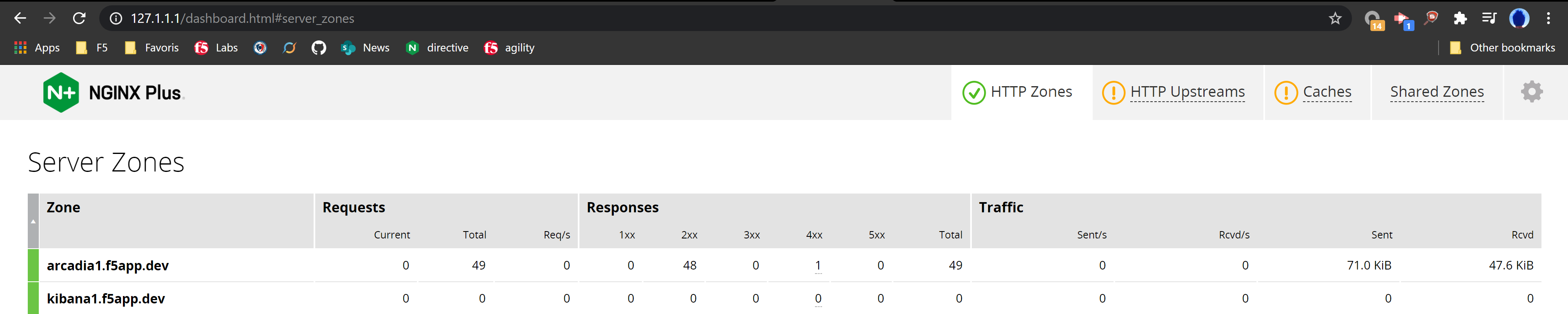
http://127.1.1.1/dashboard.html
- For Mac Users:
Run the command below
Replace {{IC_POD_IP}} with the IP address found in exercise 6 above
Replace {{site_ID} and {{region}} with your allocated site ID and Azure region.
ssh -L 8090:{{IC_POD_IP}}:8080 -i jumphost.key cyber@jumphost-aksdistrict{{site_ID}}.{{region}}.cloudapp.azure.com
On your browser, connect to
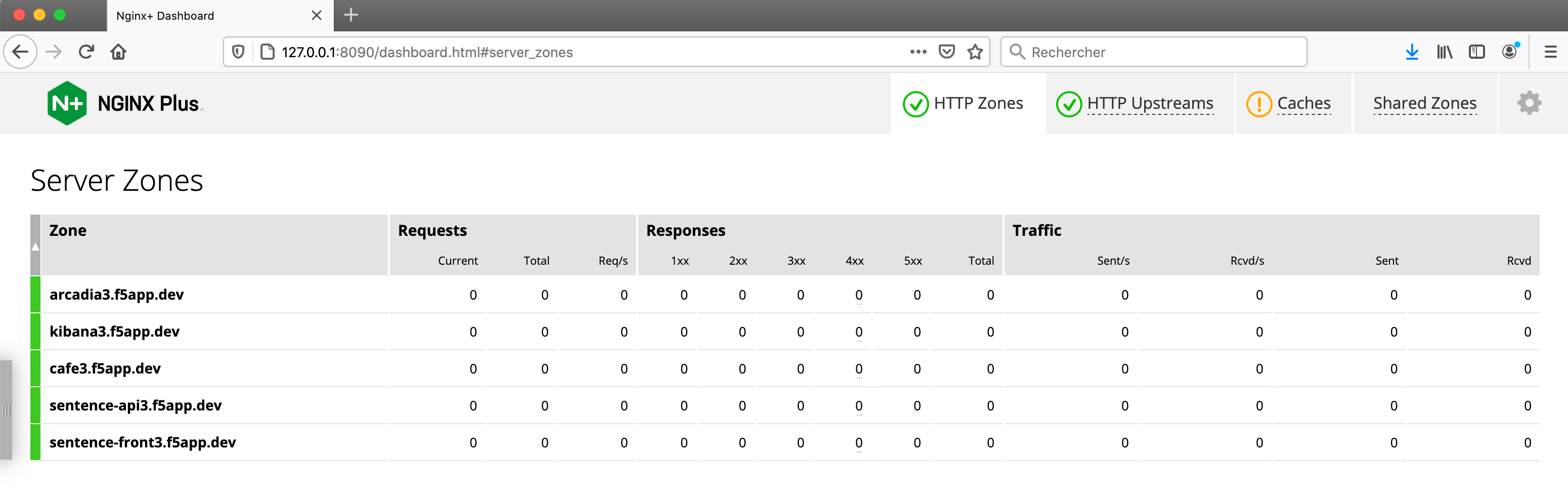
http://127.0.0.1:8090/dashboard.html